
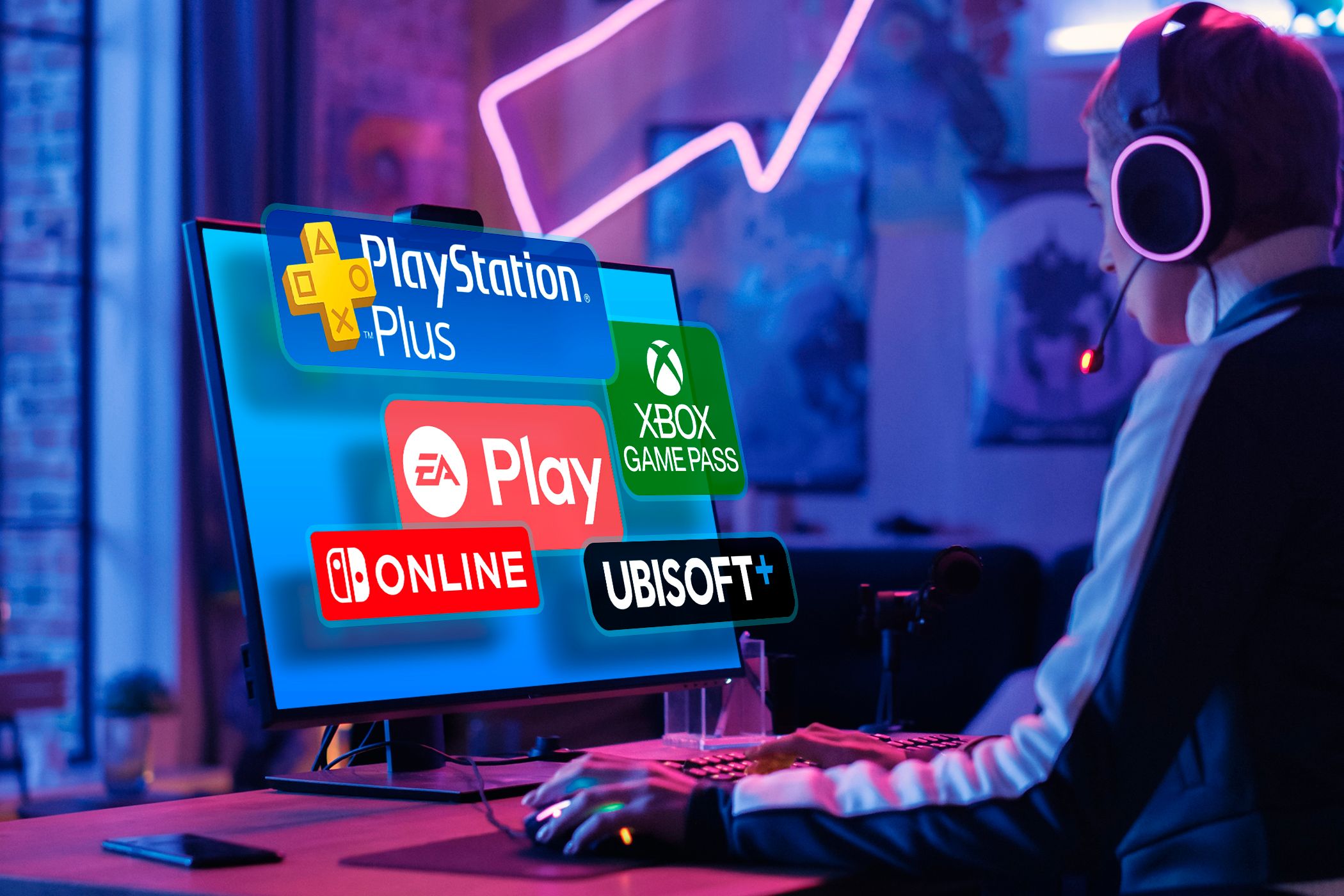
How to Choose the Best Gaming Subscription for You
Key Takeaways
- If you are gaming on a console, check out the primary game subscription on your platform.
- Review the subscription’s game catalog to ensure it has the titles you want to play.
- Other things to look at include the cost of the subscription, extra features, and lesser-known subscriptions.
There are many gaming subscriptions to choose from, and it can be hard to narrow them down without some help. Here, we will look at some factors that should help you decide which gaming subscription is best for you.
1 On Console? Consider Your Primary Subscription
If you play on one of the big three consoles, then your choice of subscription is not going to be a difficult one. If you’re on PlayStation, you’re probably going to pick PS Plus. Xbox One owners have Game Pass, and Nintendo fans will most likely subscribe to Nintendo Switch Online.
But if you own more than one of these consoles, you’re better off picking the subscription for the console you play on most. This will allow you to maximize its features and benefits, ensuring that you get the most value for your money.
2 Look at the Game Library
If you’re evaluating more than one subscription service, looking at the game library can help you decide which one to pick. You might want to prioritize the one that has the titles you want to play, as well as a large catalog of diverse games.
Keep in mind that some subscription services like PS Plus and Game Pass are divided into tiers. These determine the type of games available to you. However, here is what the popular subscription services offer in general:
- PlayStation Plus: Free monthly games, Sony exclusives, and a catalog of first and third-party PS5, PS4, PS3 (via streaming), PS2, PS1, and PSP games.
- Game Pass: First-party games on day one, as well as hundreds of games to stream and download on Xbox and PC.
- Nintendo Switch Online: A curated list of Game Boy, NES, SNES, and N64 games.
- Ubisoft Plus: For Ubisoft fans who want access to the publisher’s games, including the Assassin’s Creed, Far Cry, Watch Dogs, and Ghost Recon series, on PC, Xbox, and PlayStation.
- EA Play: For fans of EA games, including FC 2024, Dead Space, Mass Effect: Legendary Edition, Battlefield 2042, and The Sims 4, on PC, Xbox, and PlayStation.
- Nvidia GeForce Now: Cloud gaming platform where you can stream over 1,800 PC games, including Resident Evil Village, Cyberpunk 2077, Assassin’s Creed: Valhalla, and Call of Duty.
3 Think About the Cost of the Subscription

Look at the monthly and annual subscription costs to determine the overall affordability of the service. Also, check out potential deals and discounts that can help you save on game subscription costs by, for example, giving you 50% on all the plans.
The subscription you pick should align with your budget while offering you the games and features that you need. Again, this will be largely influenced by the platform you prefer, but it can also be a good metric to use if you’re thinking of gaming on another one.
Check for extra features that might be important to you. For example, if you lack powerful gaming hardware but have a stable internet connection, a subscription service with cloud gaming might be better for you. Or, if you have limited or unreliable internet or want to play games when traveling, a subscription service with offline play makes more sense.
Here are a few more features that can sway your decision:
- Online multiplayer.
- Cloud saves.
- Exclusive content and discounts on games, expansions, DLCs, and in-game items.
- The ability to share the subscription’s benefits with friends and family.
- Cross-platform access (PC, console, and mobile), cross-play, and cross-save.
- Availability of new releases on day one.
- Game trials, demos, and early access to new releases.
5 Don’t Overlook Lesser-Known Subscriptions

If none of the major subscriptions seem to fit your needs, perhaps you can look into the lesser-known ones. Some of them usually have features and perks that the major subscription services don’t or can make you consider switching to a whole new platform (e.g., mobile).
Here are a few you can look into:
- Humble Bundle: This gives you a curated list of PC games every month that will always be available if you have an active subscription (some services shuffle their content and can remove games you want to play). You also get 20% off on new titles at the Humble Bundle store, and 5% of your membership cost is donated to charity.
- Prime Gaming: This comes free with a Prime subscription, allowing you to claim free games that you can download and keep. Prime Gaming also has daily challenges you can win to earn in-game rewards. It even gives you a free Twitch Sub that you can use to subscribe to your favorite Twitch streamer as a show of support.
- Apple Arcade: A monthly gaming subscription for Apple Devices (e.g., iPhone, iPad, Mac, and Apple TV) with over 200 ad-free games.
- Google Play Pass: A monthly gaming subscription for Android phones and tablets with over 1,000 games. The games come with all in-app purchases enabled, and you can play them without interruptions since they don’t have ads.
- Netflix: Offers more than 50 ad-free iOS and Android games. It comes as part of your Netflix subscription, and the games have all their DLC and in-app purchases.
Game subscriptions are a great way to access many games for a relatively small monthly fee. Hopefully, you now have all the tips you need to pick the right one based on what you’re looking for. However, it’s also good to know the potential drawbacks of game subscriptions and why owning your games might be better.