
How I Replaced Console Gaming With My iPhone
Key Takeaways
- You can play thousands of retro games right on your iPhone using emulators.
- Cloud gaming services like Nvidia’s GeForce NOW and Xbox Cloud Gaming have a huge library of AAA games you can enjoy on your iPhone.
- You should ideally connect a controller to your iPhone for the best experience.
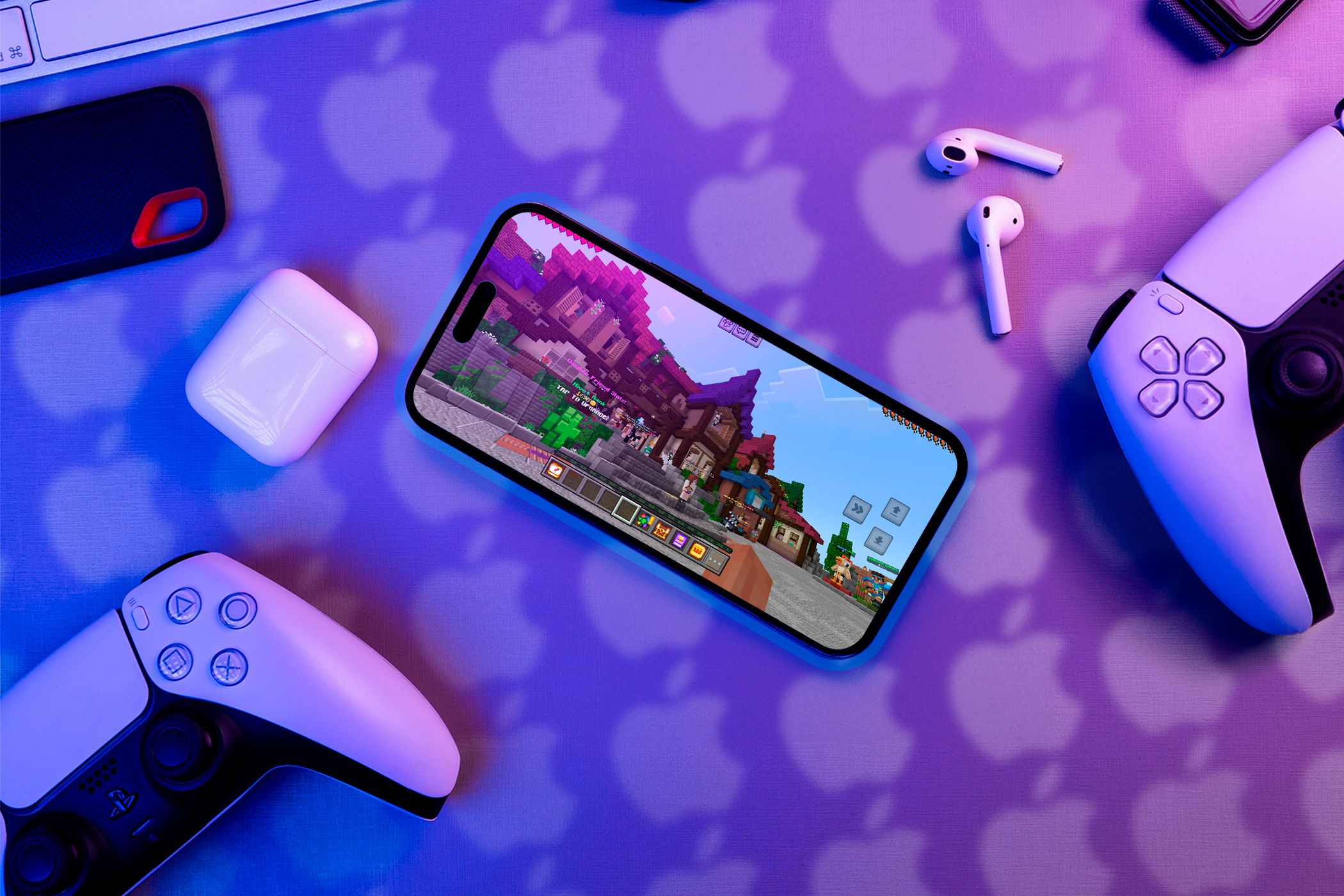
You may not realize it, but your iPhone is a far more powerful gaming device than you think. It can handle more than your typical mobile games. Here’s how I use my iPhone as my primary gaming device and how you can make the switch too.
I Play Retro Games Using Emulators
Many people aren’t aware that they can relive their childhood memories by playing their favorite retro games on their iPhones. There are a ton of emulators available for your iPhone, and you can enjoy games from consoles like the Game Boy Advance, Nintendo DS, PlayStation, Playstation Portable, and much more.
I really enjoy the simplicity of games from that era, and the best part is they aren’t plagued by the issues of traditional mobile gaming, like in-game ads and microtransactions.
With emulation, I can play games from major studios and also experience the ones I missed out on in my childhood. Having the ability to play classic Pokémon games right on your iPhone is an absolute plus for me, and there’s a gigantic library to explore, so I don’t think I’ll ever get bored or run out of games to play.
I’d like to see console emulators for the Nintendo Switch, Wii, and PS2, though. Unfortunately, they aren’t available yet due to App Store restrictions on developers.
I Use Cloud Gaming Services to Play AAA Games

If you have a vast library of AAA games for your PC, you can likely play most of those titles on your iPhone using a cloud gaming service like Nvidia’s GeForce NOW. These services run the game on servers with powerful GPUs and stream it directly to your iPhone, allowing you to enjoy AAA games with a high frame rate and resolution.
That said, since you aren’t running the game locally on your device, you’ll need a good Wi-Fi or 5G connection to avoid interruptions.
I usually use GeForce NOW to play Fortnite on my iPhone since it’s not available on the App Store due to the lawsuit between Epic Games and Apple. I consider this a blessing in disguise, as I now play the full PC version of Fortnite on my iPhone, along with other popular titles like Cyberpunk 2077 and Call of Duty: Warzone.
If you have an Xbox Game Pass Ultimate subscription, you can also play hundreds of games available through your subscription on your iPhone via Xbox Cloud Gaming. Although there are many amazing cloud gaming services, I personally recommend GeForce Now the most since it has a free tier and offers the best library in my experience.
The App Store Now Has Console-Quality Games

In recent years, Apple has actively promoted gaming across its entire product lineup, encouraging developers to port their games to the Mac, iPad, and iPhone. You can now play games like Resident Evil: Village and Assassin’s Creed: Mirage right on your iPhone.
Unfortunately, these ports require an iPhone 15 Pro, which not everyone has. But don’t worry—the App Store offers tons of excellent games that rival console games in both graphical fidelity and gameplay.
One standout example is Genshin Impact, which is the most visually impressive game I’ve seen running locally on an iPhone. It feels like a proper AAA game. There are also games like Call of Duty: Warzone Mobile, which, while slightly less impressive graphically, offers gameplay mechanics very similar to its PC counterpart.
If you have a Netflix subscription, you can access a whole library of games, including the Definitive Editions of the GTA Trilogy and Hades, which I highly recommend. You can also look for games on Apple Arcade, which offers over 200 games without in-app purchases or ads. Apple Arcade is included with an Apple One subscription, but you can also purchase it separately.
I Connected My iPhone to a Controller

One major issue with mobile games is the touch-based controls, which often take up a lot of screen space and feel clunky and uncomfortable. Fortunately, all the games I mentioned above have full controller support. You can connect a controller to your iPhone and play games like on a console.
For an even better experience, you can connect your iPhone to a TV and pair it with a controller to create a full-fledged console setup. If you prefer a more portable option, though, I highly recommend the Backbone One controller, which turns your iPhone into a handheld gaming device similar to a Nintendo Switch.
While my iPhone meets most of my gaming needs, everyone’s preferences vary depending on the games they like to play. I highly recommend giving your iPhone a chance at gaming to see if it can satisfy all your needs and meet your expectations.